Online pixel to vector converterIMAGE TO
VECTOR.
ROOM TO GROW.
Turn pixels into vector artwork with Pixel2Vector. Upload a PNG or JPG, inspect your free preview, and compare the result with the original. Choose a paid plan to download SVG, PDF or EPS.
PNG, JPG, WebP & GIF · Up to 10 MB · SVG, PDF & EPS downloads From raster to vector
FEWER PIXEL LIMITS.
MORE POSSIBILITIES.
A raster image is made of pixels. Vector artwork describes shapes with paths, so you can resize it for a website, a presentation or a larger layout without enlarging a pixel grid.
Start with your image. Leave with SVG.Upload → automatic conversion → compare → download
Your image, with room to grow
THREE STEPS.
ONE SCALABLE FILE.
01Bring your image.
Open the workspace and choose, drop or paste an image. Your free preview starts automatically after upload. Choose a paid plan when you are ready to download.
- Use PNG, JPG, WebP or GIF up to 10 MB.
- Choose a clear original with well-defined edges.
- Keep only the artwork you want to trace in your source.
Read the getting-started guide ↗YOUR SOURCE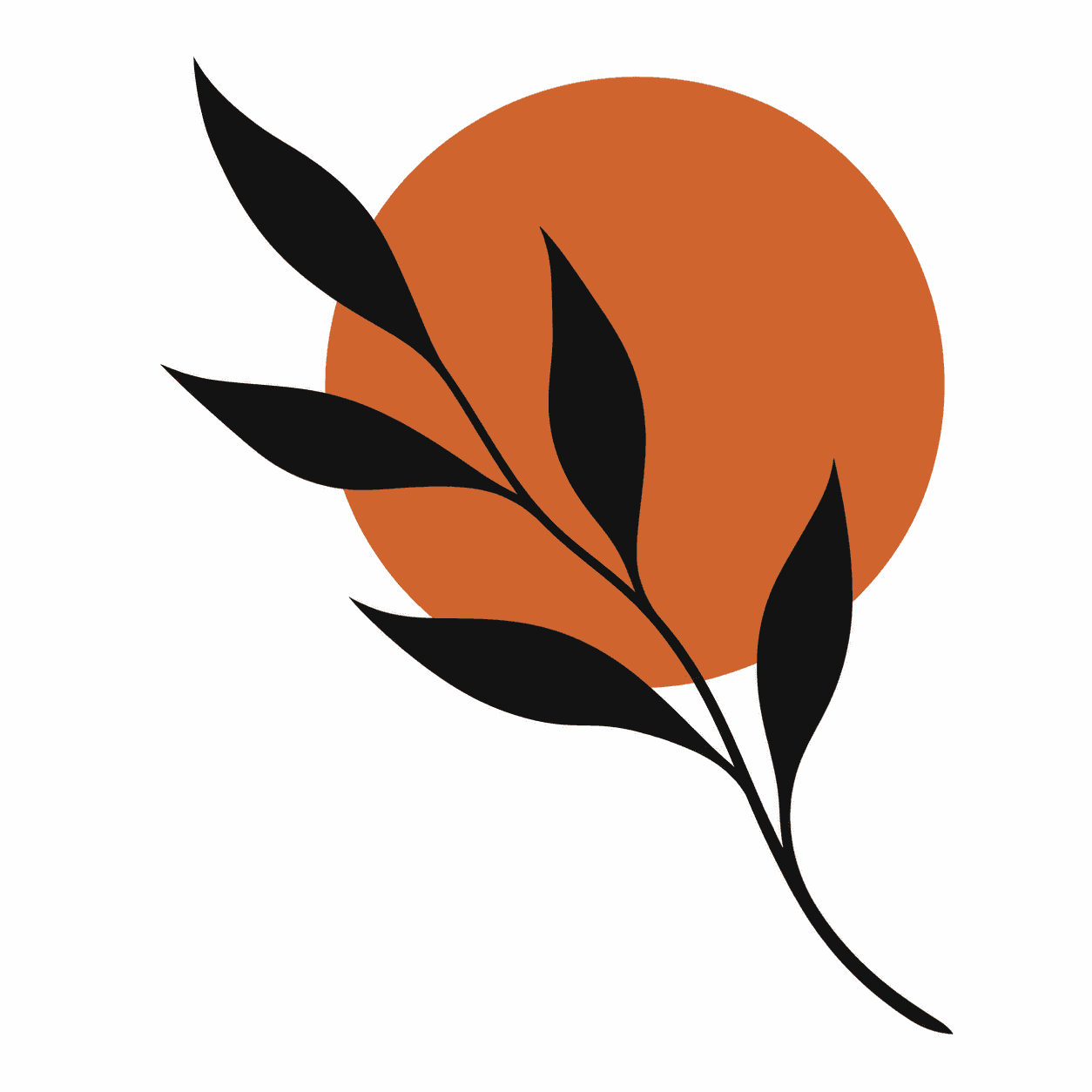
botanical.pngPNG · raster image
A clear source is a good starting point. 02Look closer.
When conversion finishes, compare your original image with the SVG. Use the side-by-side or slider view, then zoom in to check curves, small lettering and the spaces between shapes.
- Inspect fine details before downloading.
- Download SVG, PDF or EPS from the same result.
- Expect complex textures to need more review than flat graphics.
Explore the help center ↗RASTER SOURCE VECTOR ARTWORK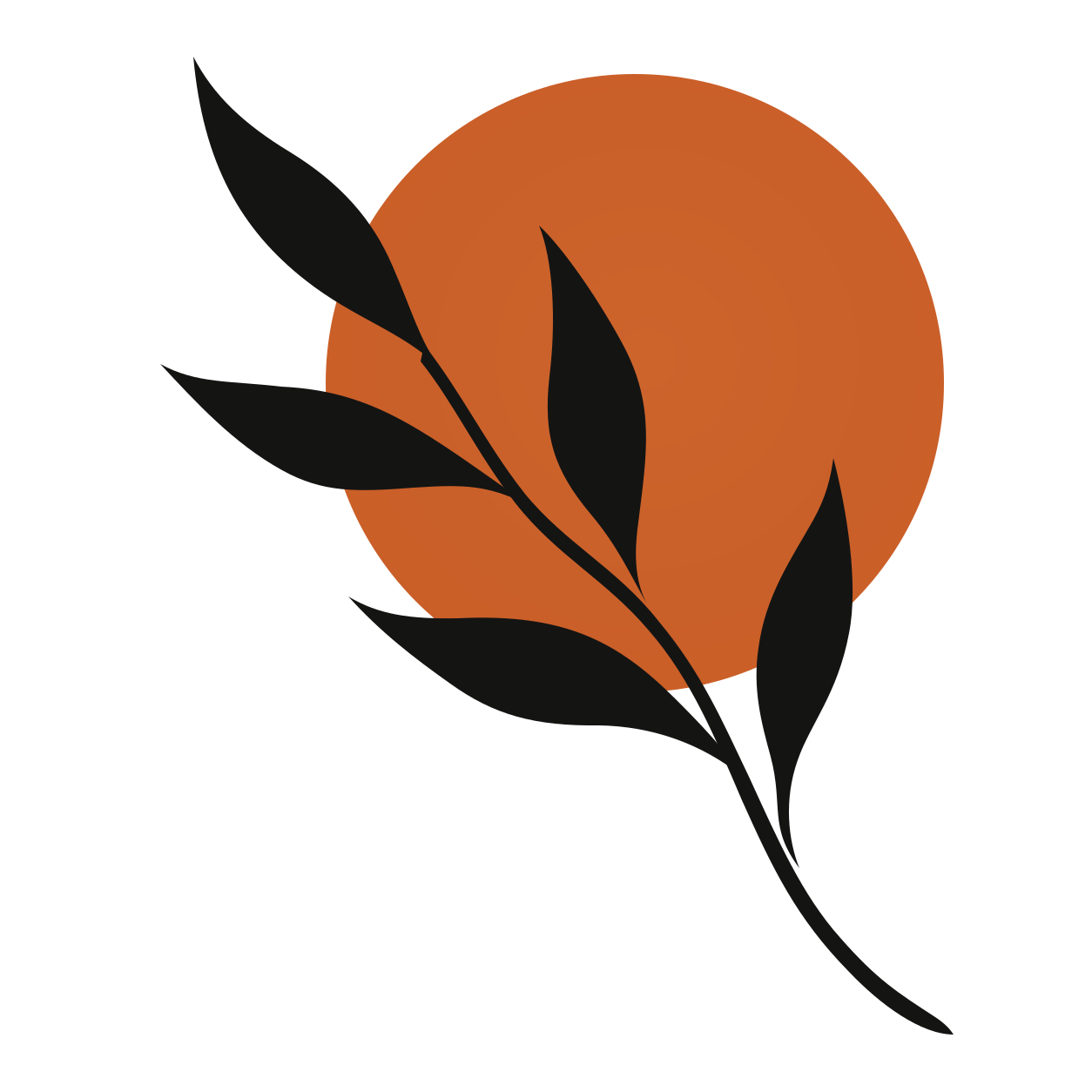
03Make it yours.
Download your SVG and bring it into a vector editor or a web project. Resize the artwork, adjust its paths in your editor, and check it at the dimensions your project needs.
- Save a local copy before the result download window expires.
- Review traced text and small details in your design tool.
- Check your printer or cutting software’s file requirements.
Open your vector workspace ↗ROOM TO SCALEartwork.svgScalable vector graphics ↗
Same artwork. Different sizes. Made for your next project
ONE IMAGE.
A LOT OF PLACES TO GO.
Vectorize artwork you already have, then adapt it to the places your work needs to appear.
01 / BRANDINGLogos, at every size.
Turn a raster logo into SVG for layouts that need more flexibility. Inspect letter shapes, counters and fine lines before using the result across your brand materials.
02 / DIGITALIcons that fit your interface.
Prepare simple symbols and flat illustrations for websites, apps and presentations. SVG paths can scale with a layout; check that small details remain readable at icon size.
03 / PRINTArtwork beyond the screen.
Use vector artwork as a starting point for posters, packaging and printed graphics. Confirm dimensions, color requirements and accepted formats with your print provider.
04 / CREATIVE WORKDrawings with a next chapter.
Trace a clear scan or a flat digital illustration, then refine the paths in your editor. A high-contrast drawing is a better starting point than a blurred photo of a sketch.
A better source. A better starting point.
GOOD VECTORS
START BEFORE UPLOAD.
A good fitClear edges.
Distinct shapes.
Logos, bold lettering, line drawings and flat-color illustrations are useful starting points. Use the original file where possible. Crop away unwanted margins and check that small gaps are still visible before uploading.
Convert a PNG graphic ↗Give these a closer lookSoft textures.
Tiny details.
Photos, heavy JPEG compression, blur and gradients can produce intricate or simplified shapes. Vectorization interprets the available pixels; it cannot recover an exact original design from missing detail. Always compare the result.
Explore JPG to SVG ↗ Before your first vector
A FEW
GOOD ANSWERS.
File formats, image quality and what happens after conversion.
Visit all FAQs ↗What is image vectorization?
Image vectorization traces a raster image into paths and shapes. PNG and JPG store pixels; a vector SVG describes shapes that can be resized without enlarging that pixel grid. A trace interprets the source, so it cannot recover missing detail or guarantee an exact copy of the original design.
Which files can I upload?
Upload PNG, JPG, GIF or WebP images up to 10 MB. Images must decode within the 40-megapixel limit.
What is the difference between PNG, JPG and SVG?
PNG and JPG store a grid of pixels. SVG can describe artwork with paths and shapes that remain sharp when resized. PNG is useful for transparent raster artwork; JPG is commonly used for photographs. Converting to SVG traces the visible image, so the quality and complexity of your source still matter.
Which images work best for vectorization?
Start with logos, icons, flat illustrations or clear drawings. Distinct edges and a limited color palette make the result easier to inspect and edit. Photographs, shadows, gradients and heavily compressed images can produce more complex paths. Use the largest clean original you have, and check small details in the preview.
Can I edit the SVG after downloading?
You can open an SVG in an editor that supports vector paths to adjust shapes, colors and size. Traced lettering is artwork, not necessarily editable text, and an automatic trace does not recreate the original design layers. Check the imported file in your chosen editor before using it in a final project.
Is image conversion free?
Preview your own images for free, including zoom and comparison. Choose Starter or Unlimited to download SVG, PDF or EPS. The workspace starts conversion automatically when you choose an image.
Can I download other formats?
Download SVG directly or choose PDF or EPS from More formats. One unlock covers every format. EPS may flatten transparency and effects. DXF is not available; check your printer or cutting software requirements before production.
Pixel2Vector
YOUR NEXT VECTOR
STARTS RIGHT HERE.
Bring a logo, an icon or an illustration. See what your image can become.
